
Set the existing Tetra currency balance.
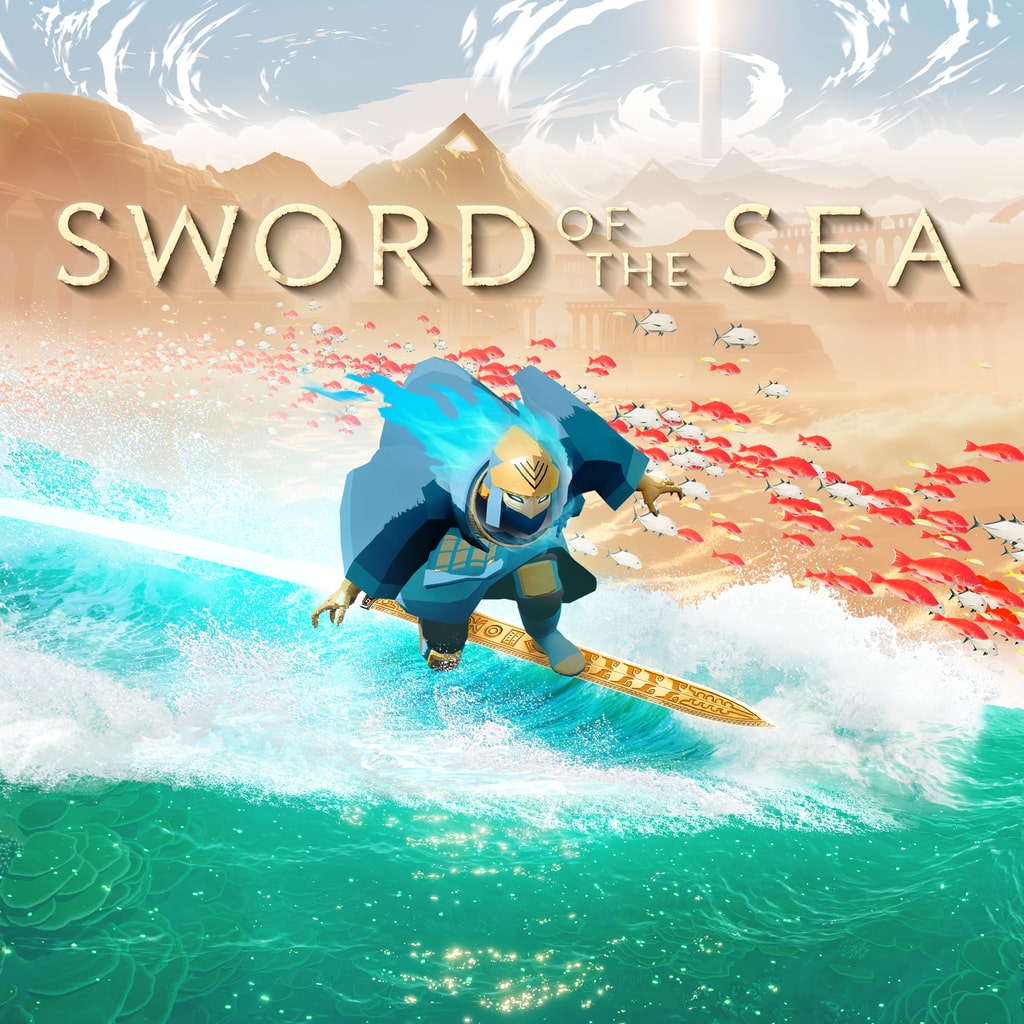
PlayStation 5PPSA25344Ninja Verified
Sword of the Sea PS5 cheats & save options
Review available cheats and presets, choose your values in the app, then transfer your edited save back to your PS5.
Ride the wave, rewrite the score
Carve the waves your way. In Sword of the Sea on PS5, your Tetra balance, total trick score and advanced tricks unlock record are all yours to reshape, so the next run can lean into flow, flair or a clean slate. Want a fuller wallet before you dive back in? That is a tap away.
- Top up the existing Tetra balance to 9,999 and hit the water with more spending room.
- Set the saved cumulative trick score, a record of past runs rather than a live combo.
- Flip the advanced tricks unlock record to change what your save remembers.
Make more of your PS5 saves
Unlock NinjaSaves to download the desktop app and use supported save edits. Check your game and console compatibility first.
Available for your computer
- Windows
- Linux
Available cheats
Cheat options: 3Preview the changes you can make. Choose your values in the app after importing your save.
Marked as tested
Resources and score
2Set the saved cumulative trick score; does not perform a live combo.
Abilities
1Change the existing advanced-tricks unlock record.
Ready-made presets
A set of changes you can choose together. Review the included values before applying.
Tetra supply
Set your existing Tetra balance to 9,999.
Marked as tested
Sword of the Sea on PS5: questions and answers
- Can you use cheats in Sword of the Sea on PS5?
- Yes. NinjaSaves lists cheat options (3) and presets (1) for Sword of the Sea on PS5. Import your save with the NinjaSaves desktop app for Windows or Linux, choose your cheats and values, then send the edited save back to your PS5 over your home network.
- Which Sword of the Sea cheats are available?
- Available cheat options: Tetra, Total trick score, Advanced tricks unlocked.
- Which editions of Sword of the Sea are supported?
- Options are listed for PPSA25344. Regional editions and save versions can differ, so your exact save is checked after you import it. Ninja Verified: our team tested these cheats for this game version.
- How much does it cost to edit Sword of the Sea saves?
- Importing saves is free. Sending an edited save back to your PS5 uses one save from your Ninja Pass monthly allowance, which resets each time your membership renews. A save only counts when your PS5 confirms it received it.