

Unlock or toggle New Journey+ (New Game+) availability across the profile.
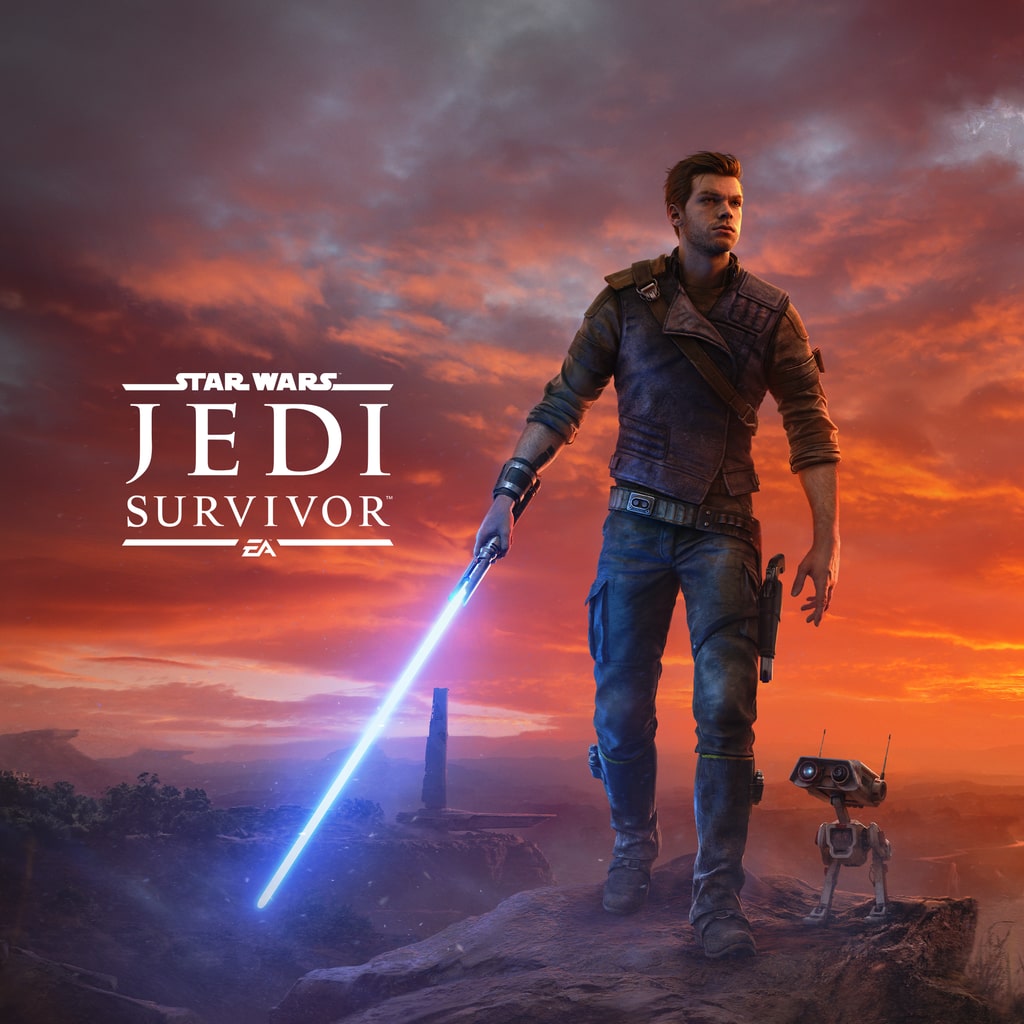
PlayStation 5PPSA07784Beta
STAR WARS Jedi: Survivor PS5 cheats & save options
Review available cheats and presets, choose your values in the app, then transfer your edited save back to your PS5.
Beta: test at your own risk
Support for this game is still being tested. Cheats may not work with every game version and could damage your save. Keep a backup of your original save before applying changes.
An active subscription includes beta cheats.
See the Galaxy on Your Terms
Sometimes you want the galaxy to look exactly the way you remember it, and sometimes you want a fresh run with everything you've earned. In STAR WARS Jedi: Survivor on PS5, you can unlock New Journey+ availability and toggle the little visual details that shape the mood, from chromatic aberration and film grain to motion blur. Tweak the photo mode shortcut too, then get back to the fight. It is your journey, after all.
- Open up New Journey+ and carry your progress into a new run.
- Dial in the look with chromatic aberration, film grain and motion blur toggles.
- Keep the photo mode shortcut handy or switch it off entirely.
Make more of your PS5 saves
Unlock NinjaSaves to download the desktop app and use supported save edits. Check your game and console compatibility first.
Available for your computer
- Windows
- Linux
Available cheats
Cheat options: 5Preview the changes you can make. Choose your values in the app after importing your save.
Marked as tested
New Journey+ Progression
1Visual & Photo Mode Options
4Enable or disable Chromatic Aberration in visual settings.
Enable or disable Film Grain in visual settings.
Enable or disable Motion Blur in visual settings.
Enable or disable the controller Photo Mode shortcut.
Ready-made presets
A set of changes you can choose together. Review the included values before applying.
Unlock New Journey+ (New Game+)
Unlock New Journey+ (New Game+).
Not yet marked as tested
STAR WARS Jedi: Survivor on PS5: questions and answers
- Can you use cheats in STAR WARS Jedi: Survivor on PS5?
- Yes. NinjaSaves lists cheat options (5) and presets (1) for STAR WARS Jedi: Survivor on PS5. Import your save with the NinjaSaves desktop app for Windows or Linux, choose your cheats and values, then send the edited save back to your PS5 over your home network.
- Which STAR WARS Jedi: Survivor cheats are available?
- Available cheat options: New Game+ Unlocked, Chromatic Aberration Enabled, Film Grain Enabled, Motion Blur Enabled, Photo Mode Shortcut Enabled.
- Which editions of STAR WARS Jedi: Survivor are supported?
- Options are listed for PPSA07784. Regional editions and save versions can differ, so your exact save is checked after you import it. This game is in Beta: cheats may not work with every game version, so keep a backup of your original save.
- How much does it cost to edit STAR WARS Jedi: Survivor saves?
- Importing saves is free. Sending an edited save back to your PS5 uses one save from your Ninja Pass monthly allowance, which resets each time your membership renews. A save only counts when your PS5 confirms it received it.