
Set the existing saved character 1 skill tokens.
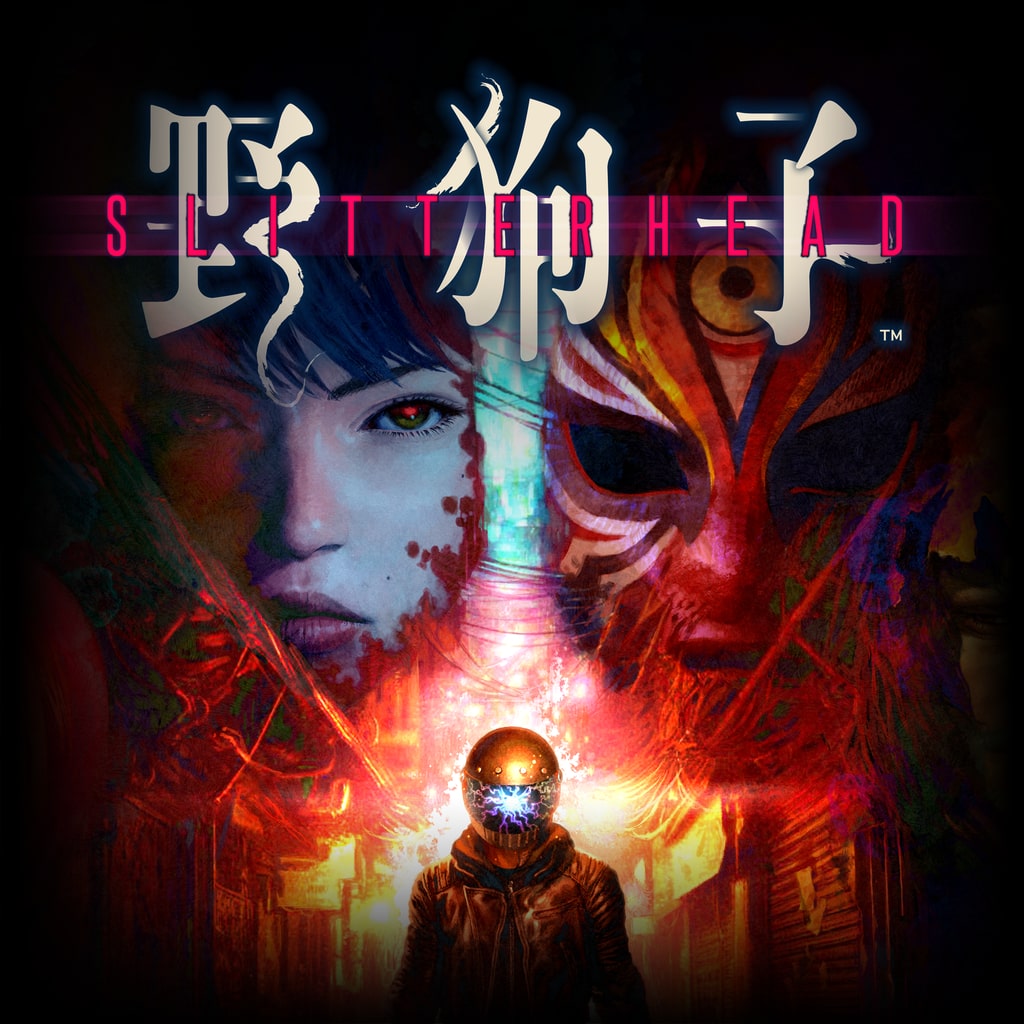
PlayStation 5PPSA21952Beta
Slitterhead PS5 cheats & save options
Review available cheats and presets, choose your values in the app, then transfer your edited save back to your PS5.
Beta: test at your own risk
Support for this game is still being tested. Cheats may not work with every game version and could damage your save. Keep a backup of your original save before applying changes.
An active subscription includes beta cheats.
Shift the build. Change the face.
Slitterhead gets strange fast, and sometimes you want to steer the weirdness yourself. Rework a character's skill tokens, top up the shared pool, or reshape the costume and mask entries already in your save. It's a quieter kind of body-hopping: same city, same dread, different loadout.
- Individual character skill token pools plus the shared reserve give you room to try a different build.
- Tune existing costume and mask entries to change how your host looks on the next run.
Make more of your PS5 saves
Unlock NinjaSaves to download the desktop app and use supported save edits. Check your game and console compatibility first.
Available for your computer
- Windows
- Linux
Available cheats
Cheat options: 49Preview the changes you can make. Choose your values in the app after importing your save.
Marked as tested
Skill tokens
9Set the existing saved character 10 skill tokens.
Set the existing saved character 2 skill tokens.
Set the existing saved character 3 skill tokens.
Set the existing saved character 5 skill tokens.
Set the existing saved character 6 skill tokens.
Set the existing saved character 7 skill tokens.
Set the existing saved character 9 skill tokens.
Set the existing saved shared skill tokens.
Costumes and masks
40Set the existing saved costume / mask entry 1.
Set the existing saved costume / mask entry 10.
Set the existing saved costume / mask entry 11.
Set the existing saved costume / mask entry 12.
Set the existing saved costume / mask entry 13.
Set the existing saved costume / mask entry 14.
Set the existing saved costume / mask entry 15.
Set the existing saved costume / mask entry 16.
Set the existing saved costume / mask entry 17.
Set the existing saved costume / mask entry 18.
Set the existing saved costume / mask entry 19.
Set the existing saved costume / mask entry 2.
Set the existing saved costume / mask entry 20.
Set the existing saved costume / mask entry 21.
Set the existing saved costume / mask entry 22.
Set the existing saved costume / mask entry 23.
Set the existing saved costume / mask entry 24.
Set the existing saved costume / mask entry 25.
Set the existing saved costume / mask entry 26.
Set the existing saved costume / mask entry 27.
Set the existing saved costume / mask entry 28.
Set the existing saved costume / mask entry 29.
Set the existing saved costume / mask entry 3.
Set the existing saved costume / mask entry 30.
Set the existing saved costume / mask entry 31.
Set the existing saved costume / mask entry 32.
Set the existing saved costume / mask entry 33.
Set the existing saved costume / mask entry 34.
Set the existing saved costume / mask entry 35.
Set the existing saved costume / mask entry 36.
Set the existing saved costume / mask entry 37.
Set the existing saved costume / mask entry 38.
Set the existing saved costume / mask entry 39.
Set the existing saved costume / mask entry 4.
Set the existing saved costume / mask entry 40.
Set the existing saved costume / mask entry 5.
Set the existing saved costume / mask entry 6.
Set the existing saved costume / mask entry 7.
Set the existing saved costume / mask entry 8.
Set the existing saved costume / mask entry 9.
Ready-made presets
A set of changes you can choose together. Review the included values before applying.
Stock skill tokens
Stock skill tokens for the selected gameplay image.
Not yet marked as tested
Unlock existing costumes and masks
Unlock existing costumes and masks for the selected gameplay image.
Not yet marked as tested
Slitterhead on PS5: questions and answers
- Can you use cheats in Slitterhead on PS5?
- Yes. NinjaSaves lists cheat options (49) and presets (2) for Slitterhead on PS5. Import your save with the NinjaSaves desktop app for Windows or Linux, choose your cheats and values, then send the edited save back to your PS5 over your home network.
- Which Slitterhead cheats are available?
- Available cheat options include Character 1 skill tokens, Character 10 skill tokens, Character 2 skill tokens, Character 3 skill tokens, Character 5 skill tokens, Character 6 skill tokens, Character 7 skill tokens, Character 9 skill tokens, and 41 more.
- Which editions of Slitterhead are supported?
- Options are listed for PPSA21952. Regional editions and save versions can differ, so your exact save is checked after you import it. This game is in Beta: cheats may not work with every game version, so keep a backup of your original save.
- How much does it cost to edit Slitterhead saves?
- Importing saves is free. Sending an edited save back to your PS5 uses one save from your Ninja Pass monthly allowance, which resets each time your membership renews. A save only counts when your PS5 confirms it received it.