

Set your current funds in dollars.
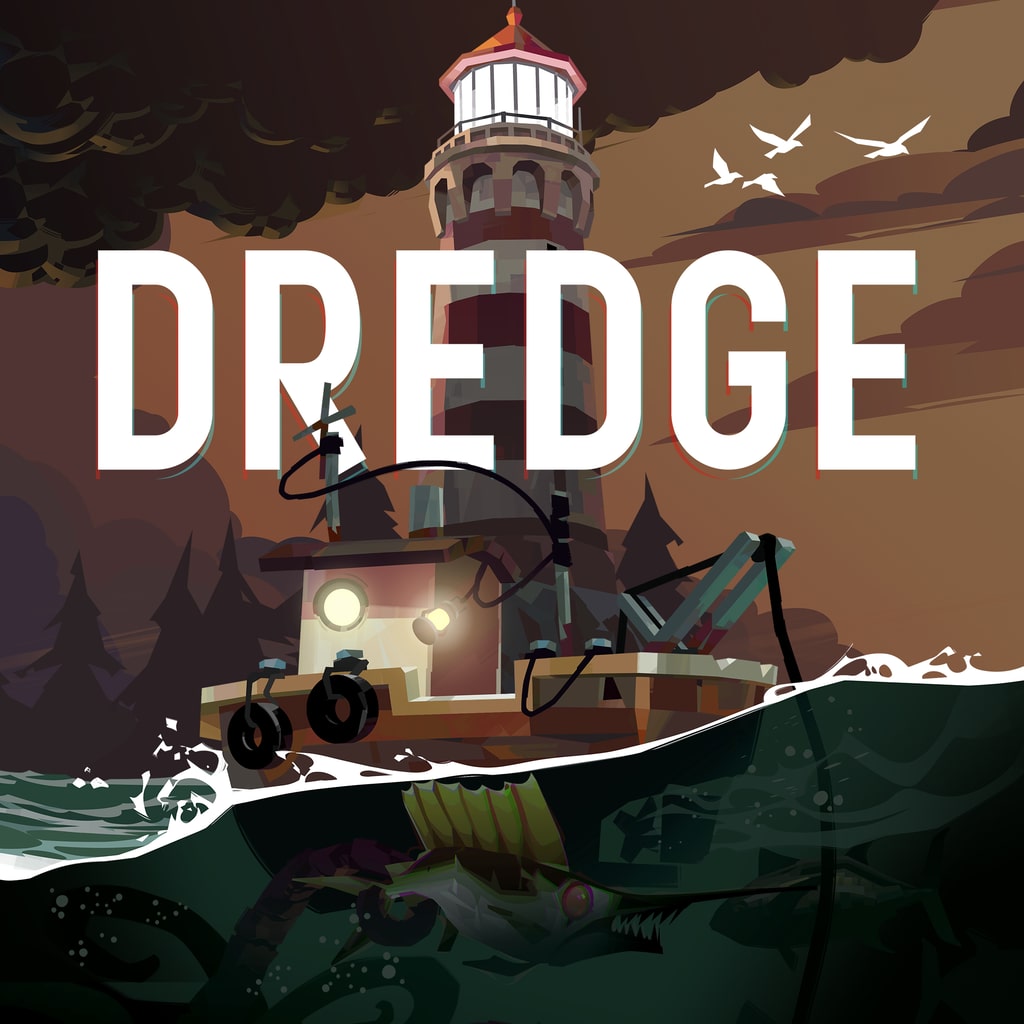
PlayStation 5PPSA09076Beta
DREDGE PS5 cheats & save options
Review available cheats and presets, choose your values in the app, then transfer your edited save back to your PS5.
Beta: test at your own risk
Support for this game is still being tested. Cheats may not work with every game version and could damage your save. Keep a backup of your original save before applying changes.
An active subscription includes beta cheats.
Steer your own strange tides.
The sea's got a funny way of keeping you busy. Give yourself a little breathing room in DREDGE on PS5 by setting your funds and sanity, then spend less time worrying about the grind and more time chasing what's out there. Patch up every net and crab pot, keep your catch fresh, and restock the spots you've been leaning on. It's your boat, your pace, your kind of dread.
- Set your current funds, then get back to the water.
- Repair all equipped and stored gear, and keep every fish in cargo at max freshness.
- Restock every fishing and dredging spot, and unlock all boat paints and flags already present in your save.
Make more of your PS5 saves
Unlock NinjaSaves to download the desktop app and use supported save edits. Check your game and console compatibility first.
Available for your computer
- Windows
- Linux
Available cheats
Cheat options: 28Preview the changes you can make. Choose your values in the app after importing your save.
Marked as tested
Funds & Sanity
4Set total lifetime value of fish sold.
Set total lifetime value of trinkets sold.
Set current player sanity percentage (0–100%).
Boat, Gear & Cargo
9Set boat flag style index for the selected save.
Set boat hull color index for the selected save.
Set boat roof color index for the selected save.
Set reading progress to 100% on all owned books in your cabin library.
Set your boat hull upgrade tier (1–5).
Set freshness to maximum (3.0) and clear infection on all fish in cargo, nets, and storage.
Restore durability and clear damaged-cell flags on all nets, crab pots, and equipment in grids.
Refill all depleted fishing and dredging spots across the world.
Enable all paint and flag unlock variables present in the save.
Progression & Statistics
15Set aberrations caught for the selected save.
Set crabs caught (pots) for the selected save.
Set dark canisters caught for the selected save.
Set dog tags returned for the selected save.
Set fish caught (net) for the selected save.
Set fish caught (rod) for the selected save.
Set fish discarded for the selected save.
Set fishing spots depleted for the selected save.
Set relics handed in for the selected save.
Set shrine flames lit for the selected save.
Set stone tablets returned for the selected save.
Set the iron rig world phase for the selected save.
Set the pale reach world phase for the selected save.
Set threats banished for the selected save.
Set world phase for the selected save.
Ready-made presets
A set of changes you can choose together. Review the included values before applying.
Max Funds & Full Sanity
Set Funds to maximum and restore Sanity to 100%.
Not yet marked as tested
Repair All Gear, Fresh Fish & Restock Spots
Repair all equipment and crab pots, refresh and cure all stored fish, complete owned research books, restock all fishing spots, and unlock existing boat paints/flags.
Not yet marked as tested
DREDGE on PS5: questions and answers
- Can you use cheats in DREDGE on PS5?
- Yes. NinjaSaves lists cheat options (28) and presets (2) for DREDGE on PS5. Import your save with the NinjaSaves desktop app for Windows or Linux, choose your cheats and values, then send the edited save back to your PS5 over your home network.
- Which DREDGE cheats are available?
- Available cheat options include Funds ($), Lifetime Fish Sales ($), Lifetime Trinket Sales ($), Sanity (%), Boat Flag Style Index, Boat Hull Color Index, Boat Roof Color Index, Complete All Owned Research Books, and 20 more.
- Which editions of DREDGE are supported?
- Options are listed for PPSA09076. Regional editions and save versions can differ, so your exact save is checked after you import it. This game is in Beta: cheats may not work with every game version, so keep a backup of your original save.
- How much does it cost to edit DREDGE saves?
- Importing saves is free. Sending an edited save back to your PS5 uses one save from your Ninja Pass monthly allowance, which resets each time your membership renews. A save only counts when your PS5 confirms it received it.