
Set active settlement Raw Materials in the player inventory bag (0–9,999,999) and synchronize lifetime total acquired.
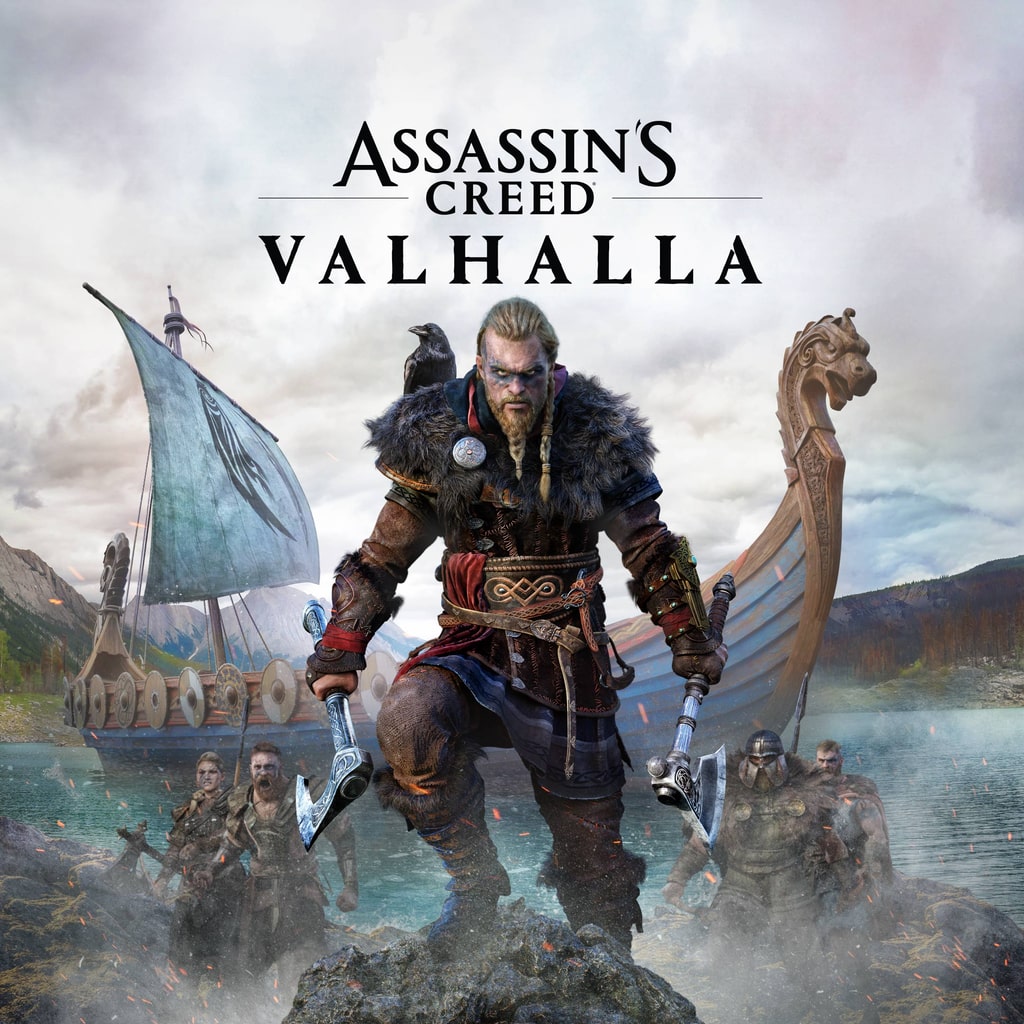
PlayStation 5Beta
Assassin’s Creed Valhalla PS5 cheats & save options
Review available cheats and presets, choose your values in the app, then transfer your edited save back to your PS5.
Regional title IDs
- PPSA01490 · Beta
- PPSA01491 · Beta
- PPSA01533 · Beta
- Beta
- Ninja Verified
- Published
Beta: test at your own risk
Support for this game is still being tested. Cheats may not work with every game version and could damage your save. Keep a backup of your original save before applying changes.
An active subscription includes beta cheats.
Stock the longhouse. Reshape the build.
Every Viking saga hits that stretch where you're scrounging for Silver or one more ingot. In Assassin's Creed Valhalla on PS5, you can set your Silver, Raw Materials and Supplies, top up crafting stock like Leather and Titanium, and drop in Skill Points and Mastery Points to try a fresh build. Less time counting coins, more time raiding.
- Fill your bag with Silver, Raw Materials and Supplies in one go.
- Top up Leather, Iron Ore, Fabric and every ingot tier for crafting.
- Rethink your build with Skill Points and Mastery Points.
Make more of your PS5 saves
Unlock NinjaSaves to download the desktop app and use supported save edits. Check your game and console compatibility first.
Available for your computer
- Windows
- Linux
Available cheats
Cheat options: 12Preview the changes you can make. Choose your values in the app after importing your save.
Marked as tested
Silver & Settlement Resources
3Crafting Materials & Ingots
7Set active Carbon Ingots in the player inventory bag (0–9,999,999) and synchronize lifetime total acquired.
Set active Fabric in the player inventory bag (0–999,999) and synchronize lifetime total acquired.
Set active Iron Ore in the player inventory bag (0–9,999,999) and synchronize lifetime total acquired.
Set active Leather in the player inventory bag (0–9,999,999) and synchronize lifetime total acquired.
Set active Nickel Ingots in the player inventory bag (0–999,999) and synchronize lifetime total acquired.
Set active Titanium in the player inventory bag (0–999,999) and synchronize lifetime total acquired.
Set active Tungsten Ingots in the player inventory bag (0–999,999) and synchronize lifetime total acquired.
Skill & Mastery Points
2Set player Mastery Points (0–9,999).
Set total player Skill Points (0–9,999).
Ready-made presets
A set of changes you can choose together. Review the included values before applying.
Max Silver (9,999,999)
Set active Silver to 9,999,999.
Not yet marked as tested
Max Crafting Materials, Supplies & Ingots
Fill all discovered settlement supplies, crafting materials, and ingots in the player inventory bag.
Not yet marked as tested
Max Skill & Mastery Points (9,999)
Set both Skill Points and Mastery Points to 9,999.
Not yet marked as tested
Assassin’s Creed Valhalla on PS5: questions and answers
- Can you use cheats in Assassin’s Creed Valhalla on PS5?
- Yes. NinjaSaves lists cheat options (12) and presets (3) for Assassin’s Creed Valhalla on PS5. Import your save with the NinjaSaves desktop app for Windows or Linux, choose your cheats and values, then send the edited save back to your PS5 over your home network.
- Which Assassin’s Creed Valhalla cheats are available?
- Available cheat options include Raw Materials, Silver, Supplies, Carbon Ingot, Fabric, Iron Ore, Leather, Nickel Ingot, and 4 more.
- Which editions of Assassin’s Creed Valhalla are supported?
- Options are listed for PPSA01490, PPSA01491, PPSA01533. Regional editions and save versions can differ, so your exact save is checked after you import it. This game is in Beta: cheats may not work with every game version, so keep a backup of your original save.
- How much does it cost to edit Assassin’s Creed Valhalla saves?
- Importing saves is free. Sending an edited save back to your PS5 uses one save from your Ninja Pass monthly allowance, which resets each time your membership renews. A save only counts when your PS5 confirms it received it.